Paste or upload
Start with typed text, an essay draft, notes, or a Word document. You can review extracted text before generating.
 text-to-handwriting
Text to handwriting generator
Paste text, upload a Word document, or prepare a longer draft, then turn it into downloadable handwritten-style pages. The generator splits longer text into page-sized sections so the final images fit naturally.
Best for
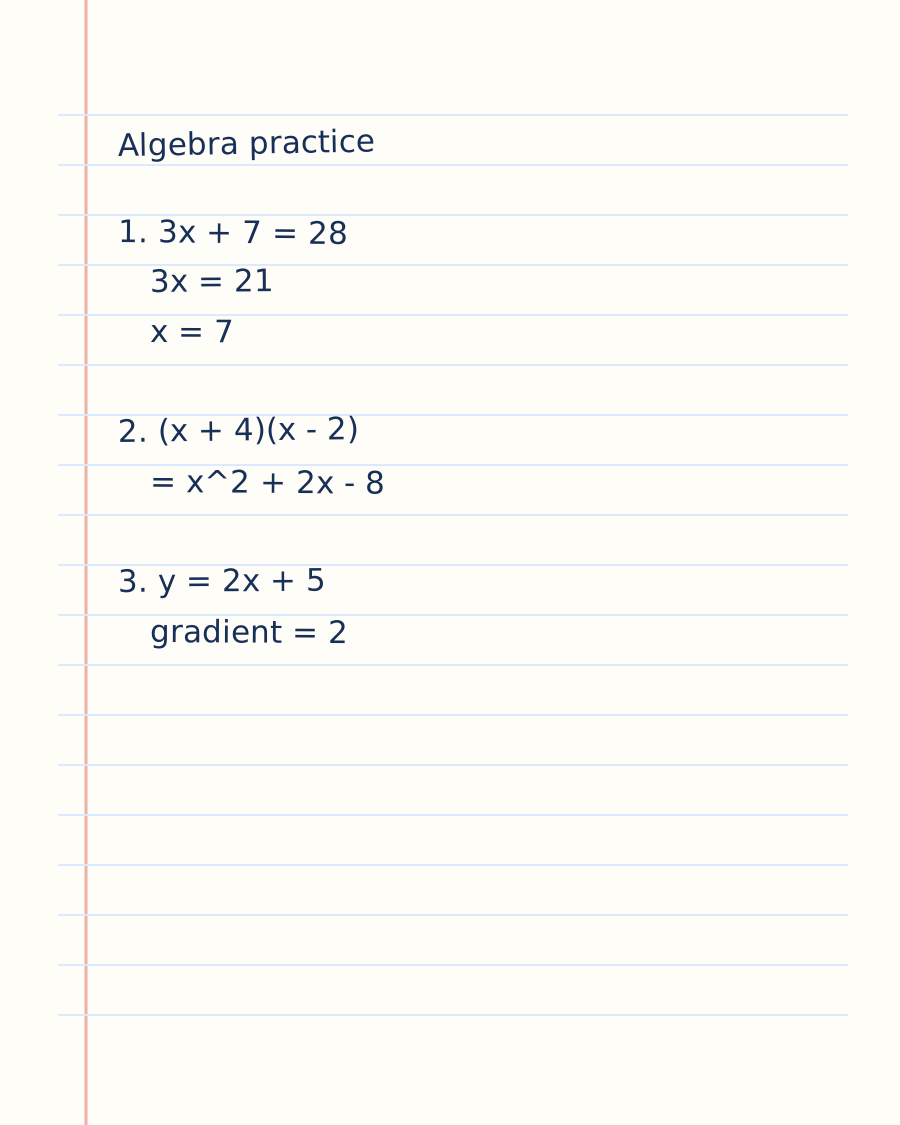
The text-to-handwriting workflow is useful when you already have written content and want a realistic handwritten visual output. You can use it for printable notes, letter mockups, journaling pages, creative projects, and study sheets.
Unlike a simple handwriting font converter, the output is generated as a full page image. That means the page can include variation in line spacing, letter shape, page texture, and writing rhythm.
For the most natural result, keep each generated page around 180-280 words. Longer documents can be split automatically before generation.
View sampleProcess
Start with typed text, an essay draft, notes, or a Word document. You can review extracted text before generating.
Add a handwriting photo so the AI can reference visual details like stroke weight, spacing, and baseline movement.
Generate each successful page with credits, then download the final handwritten-style image for your project.
FAQ
Yes. Paste typed text into text-to-handwriting, upload a handwriting sample, preview the page sections, and generate downloadable handwritten-style images.
No. The generator creates page images with AI rather than simply swapping text into a preset font.
Yes. You can upload a Word document and review the extracted text before generating handwritten-style page images.