Paste or upload text
Add the text you want on the page, or upload a Word document and review the extracted text before generation.
 text-to-handwriting
AI handwriting generator
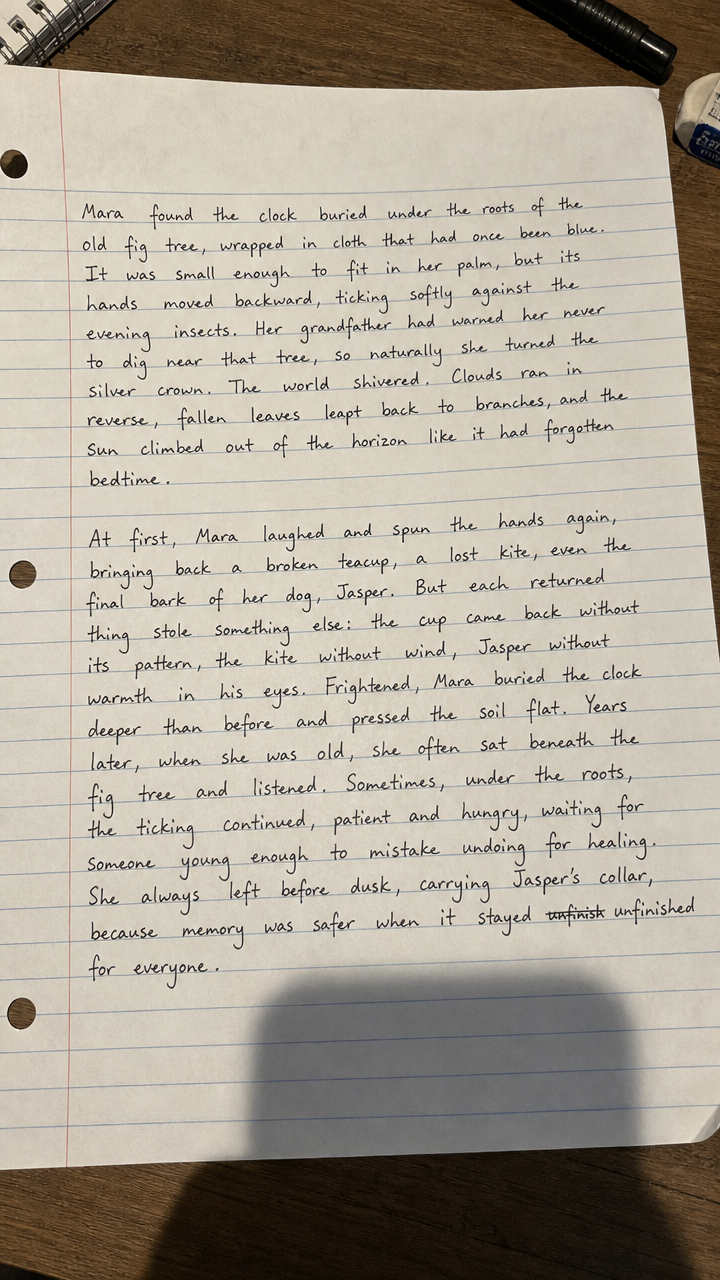
text-to-handwriting turns pasted text or Word document sections into page images that look handwritten. Upload a clear handwriting sample, review the page preview, and generate downloadable handwritten-style images.
Workflow
The generator is designed around a simple, visual workflow. You control the words, the handwriting reference, and the page sections before spending credits.
Add the text you want on the page, or upload a Word document and review the extracted text before generation.
Upload a clear photo of handwriting on paper. The AI uses the sample as a visual style reference for spacing, shape, and rhythm.
Preview page-sized sections, spend 1 credit per successful page, then download the generated handwriting image.
Why use AI
Many text-to-handwriting tools use fixed fonts, which can make repeated letters look identical. This generator creates a page image with natural variation in spacing, stroke weight, baseline movement, and paper texture.
The result is best for personal notes, creative writing pages, printable study sheets, drafts, letters, and visual projects where a handwritten look matters. Always use generated pages responsibly and follow the rules of your school, workplace, or platform.
Use a bright, sharp photo of handwriting on plain or lined paper. Include several lines so the AI can see letter shape, word spacing, and writing pressure.
See pricingFAQ
An AI handwriting generator creates handwritten-style page images from typed text. text-to-handwriting also lets you upload a handwriting sample so the output can reference a real writing style.
Yes. Upload a clear handwriting sample image, then generate pages using that sample as the style reference.
Yes. You can upload a Word document, review the extracted text, and generate page-sized sections as handwritten-style images.